
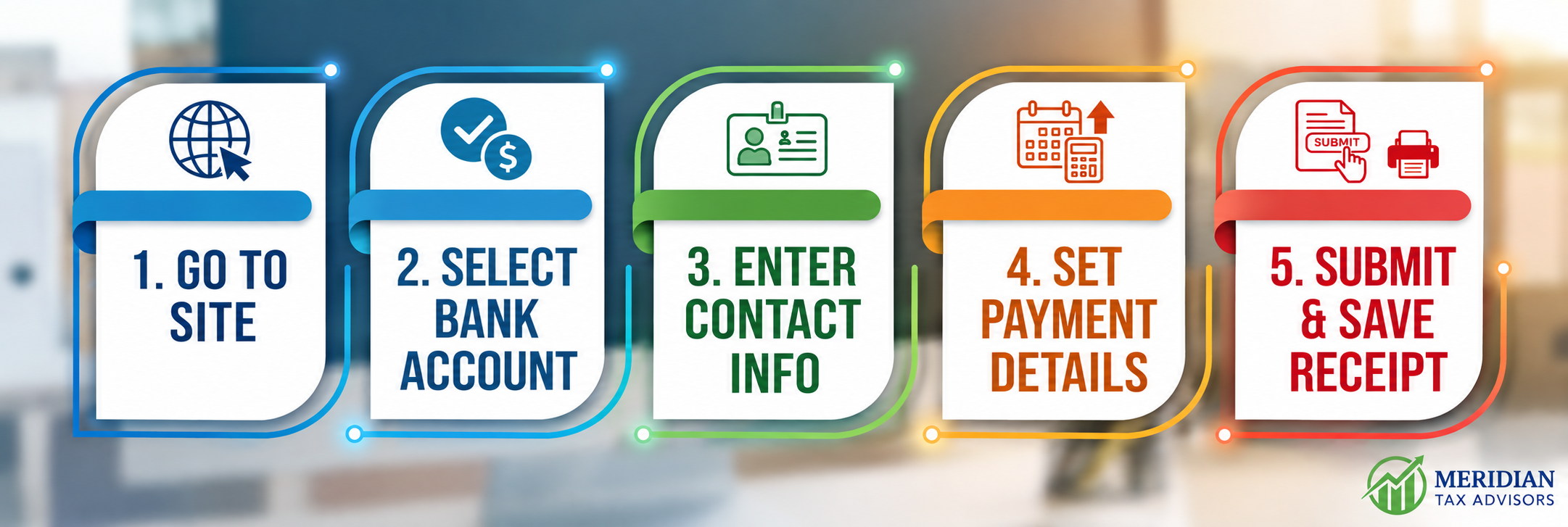
1. Go to: https://www.irs.gov/payments/direct-pay
2. Click “Make a Payment”
3. Choose a Reason for Payment – Balance Due
4. Choose where to apply the payment – Select Form 1040 – Income Tax
5. Select the Tax Period for Payment – Select 2026
6. Click “Continue”
7. Confirm selections and click “Continue” (It should say You have chosen to make a Form 1040 – Income Tax payment for your Balance Due or Payment Plan/Installment Agreement for Tax Year 2026).
8. Select the year in which the most recent tax return was filed – Select 2025
9. Select the filing status for the year selected in Step #8 above
10. Fill in your First and Last Name, SSN, Birth date, Address, City, State, Zip
11. Click “I accept the Privacy Act and Paperwork Reduction Act”
12. Click “Continue”
13. Enter the amount of the payment
14. Re‐Enter the amount of the payment
15. Enter the date you want your account debited
16. Enter your Bank Routing Number, Bank Account Number, re‐enter Bank Account Number and select “Checking” or “Savings”
17. Click “Continue”
18. Click “I Agree” to the Disclosure Authorization Agreement that pops up
19. Confirm that all of the information is correct and check the box to accept the Debit Authorization Agreement
20. Fill in your First and Last Name and SSN
21. Click “Submit”
22. Please print out a copy of your receipt and send to Meridian Tax Advisors
