
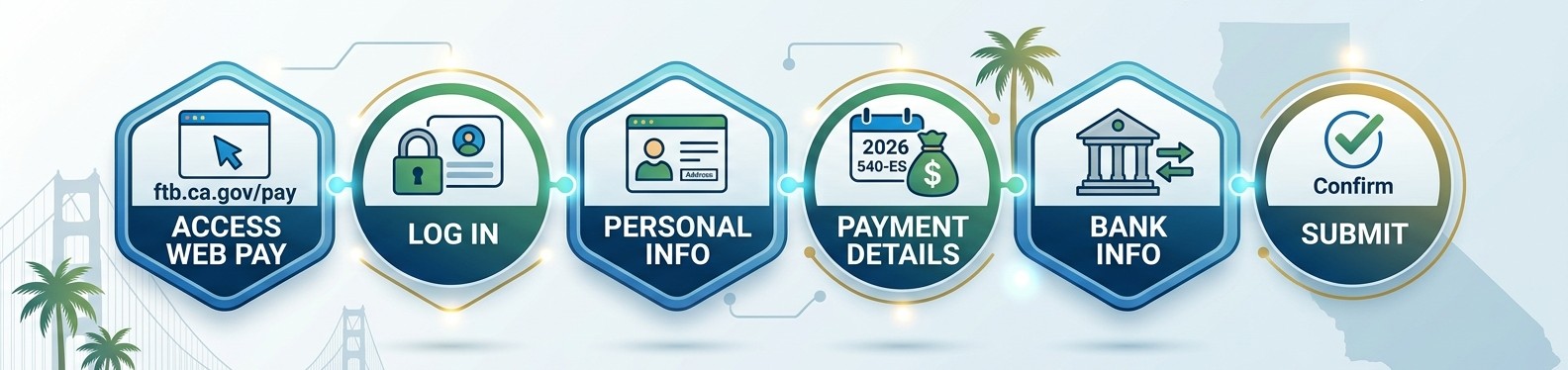
1. Go to: https://www.ftb.ca.gov/pay/bank-account/index.asp
2. Click “Use Web Pay personal”
3. Enter your Social Security Number, Last Name and the characters from the picture
4. Click “Login”
5. Fill in your First and Last Name, Address, City, State, Zip
6. Click “Continue”
7. For Payment Type – Select ESTIMATED TAX PAYMENT (FORM 540-ES)
8. For Tax Year – Select 2026
9. Enter the amount of the payment
10. Enter the date you want your account debited
11. Is this a joint tax payment? YES or NO
a. If Yes – click “Yes” and fill in the Spouse/RDP’s First Name, Last Name, and SSN
b. If No – click “No”
12. Click “Continue”
13. Enter your Bank Routing Number, Bank Account Number, re‐enter Bank Account Number and
select “Checking” or “Savings”
14. Click “Continue”
15. Confirm that all of the information is correct, enter and re‐enter an email address, check the box
to agree to the terms, and “Submit”
16. Please print out a copy of your receipt and send to Meridian Tax Advisors
